
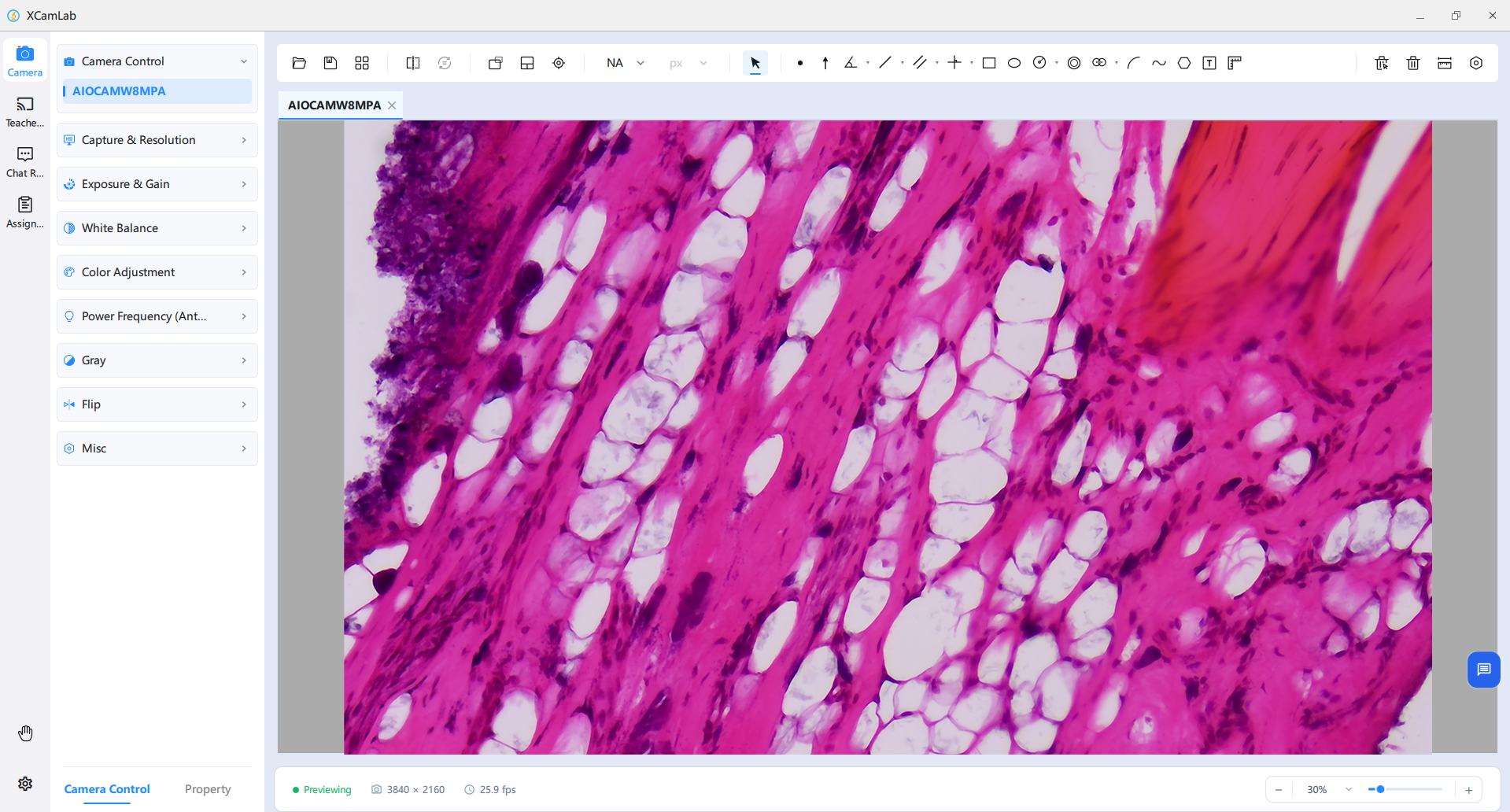
AIOCAMW
AIOCAMW integrates Windows and a Sony-sensor camera, reducing occupied space and simplifying laboratory deployment.
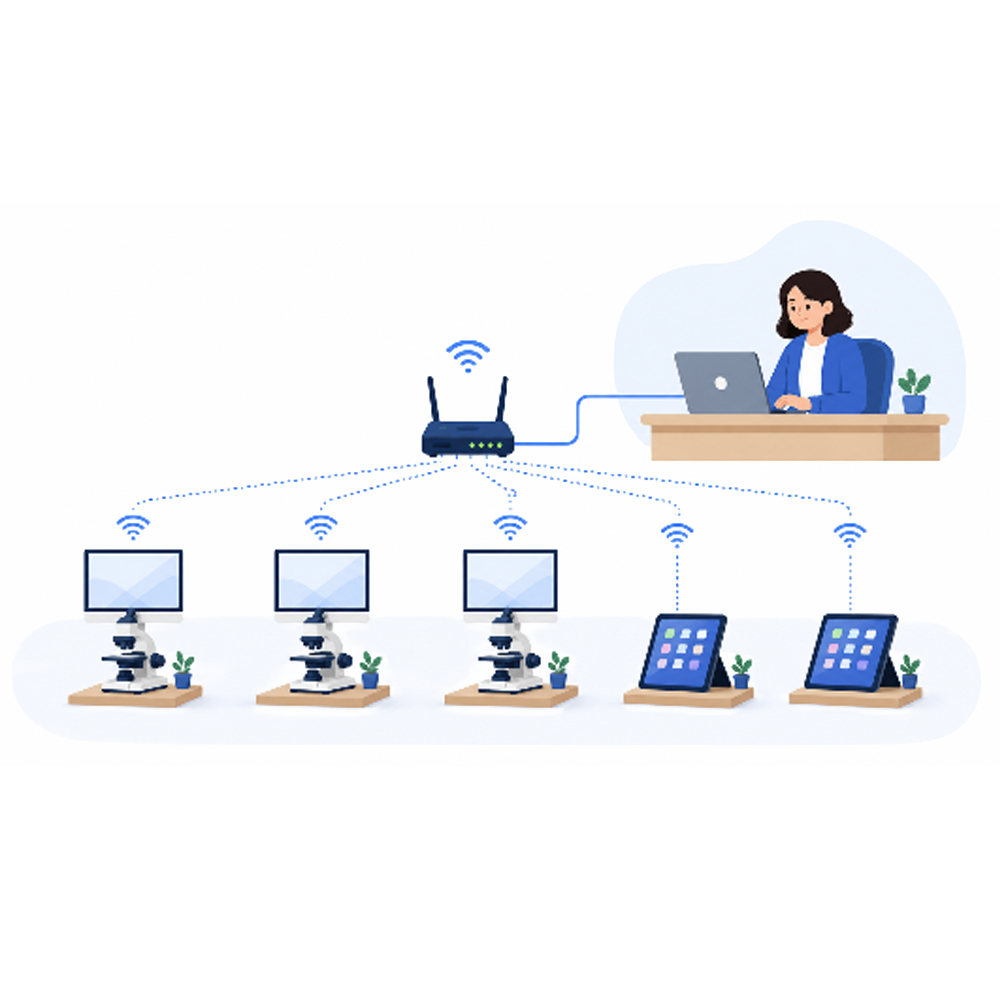
XCamLab is designed for interactive classroom teaching, microscopy laboratory lessons and laboratory/computer-room device management. It serves physics, chemistry and biology lessons, microscopy laboratories and multimedia computer rooms in primary and secondary schools, vocational institutions and universities.
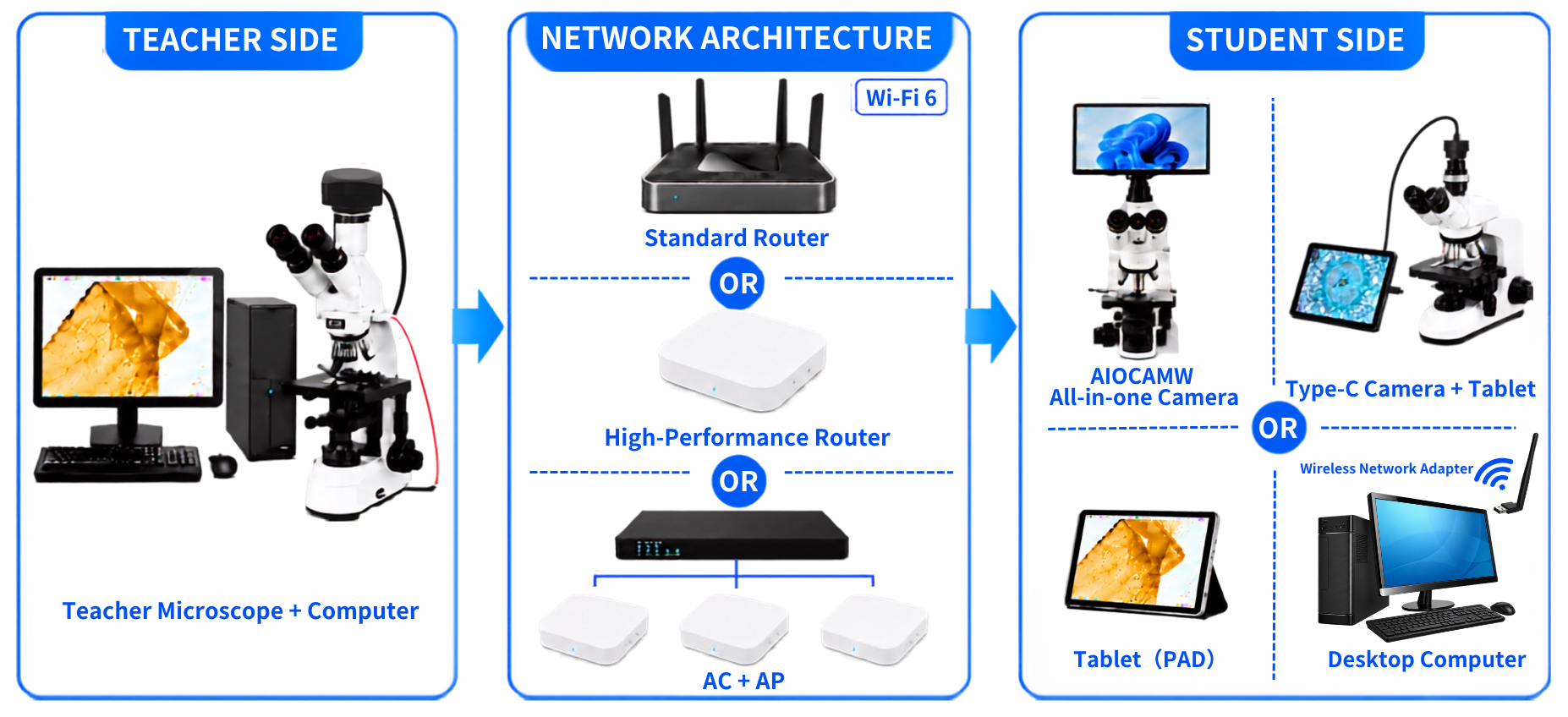
This hardware platform is designed to run the XCamLab interactive microscopy software for wireless-network-based teaching. It has three parts: teacher-side configuration, network architecture and student-side configuration.
Student Configuration
Student terminals can use AIOCAMW all-in-one systems, tablets connected to Type-C cameras, or Windows desktop computers. Mobile devices can also scan the QR code provided by the teacher to join the browser classroom.
AIOCAMW integrates Windows and a Sony-sensor camera, reducing occupied space and simplifying laboratory deployment.
A tablet paired with a compact ToupTek Type-C camera can reduce the overall cost of setting up student terminals and be deployed flexibly for different teaching environments.
UCAM: connects directly to the tablet through USB Type-C.
WUCAM8MPA: must use a wired Type-C connection; its built-in Wi-Fi is not compatible with this system.
CXCAM: must connect through a wired USB Video connection.
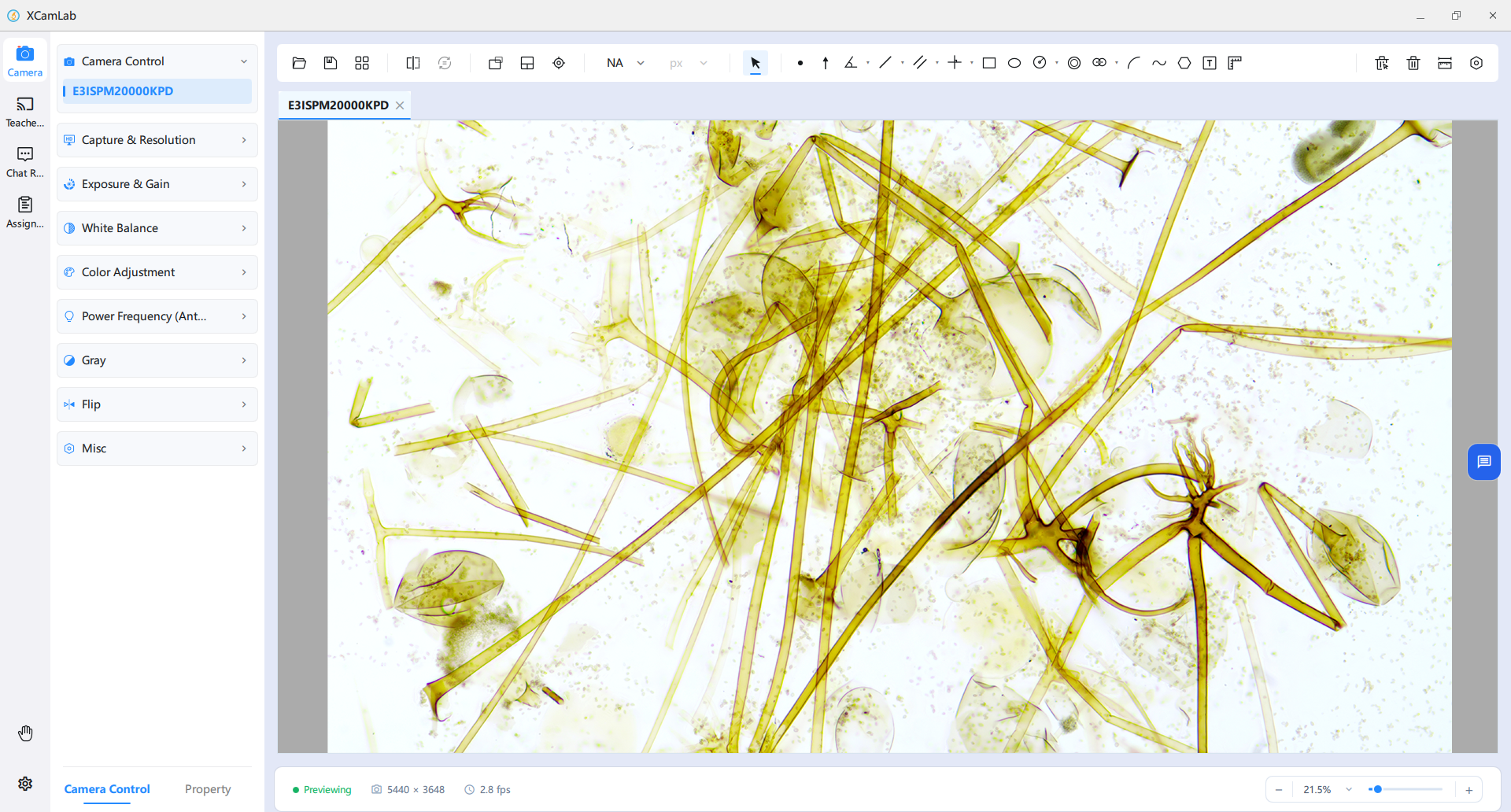
This configuration uses existing computer-room Windows desktops. A built-in or added Wi-Fi adapter can connect each workstation to the classroom network. The stable desktop setup suits long-term fixed laboratory teaching, while student microscopy imaging equipment can be selected as needed.
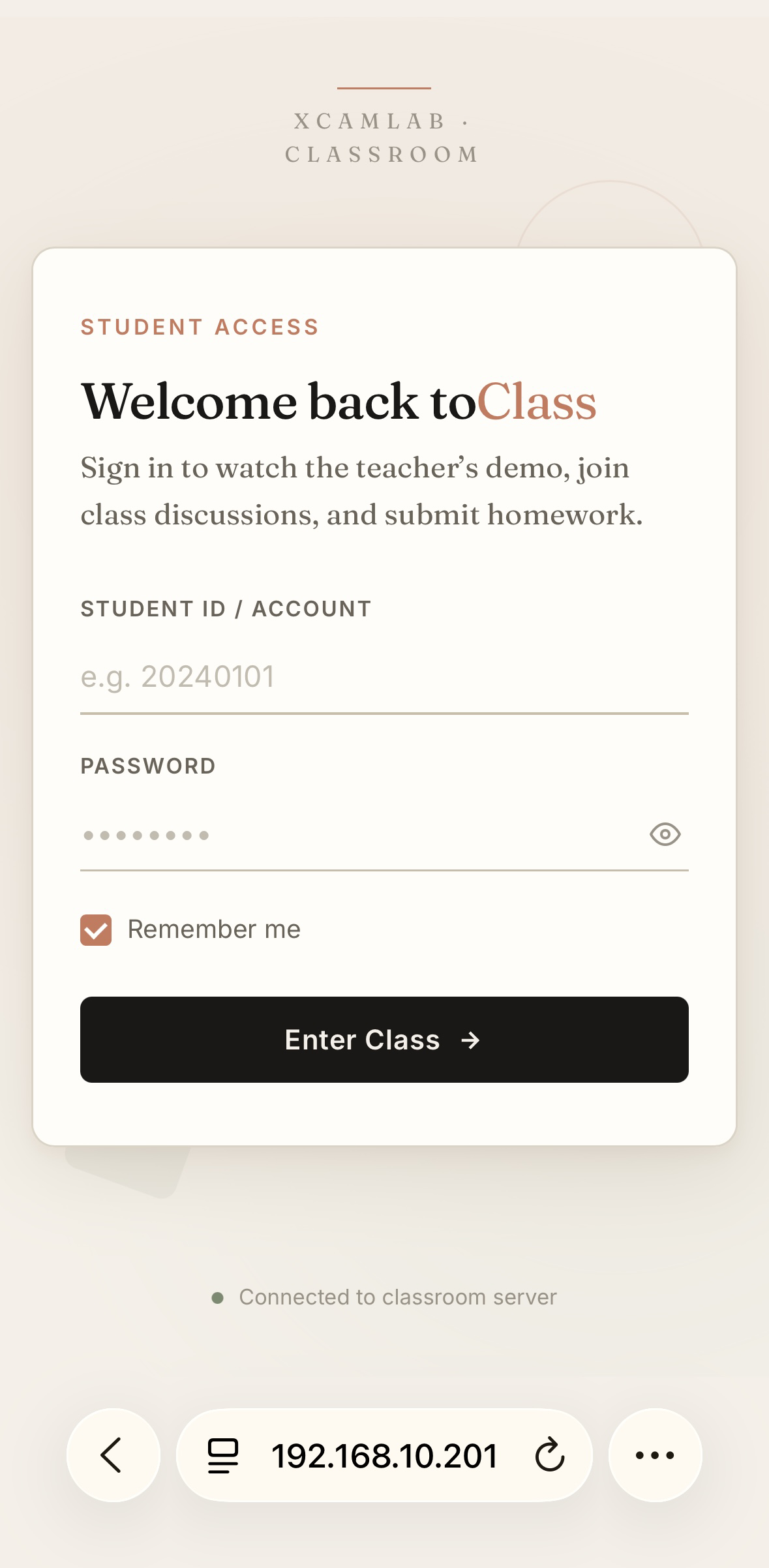
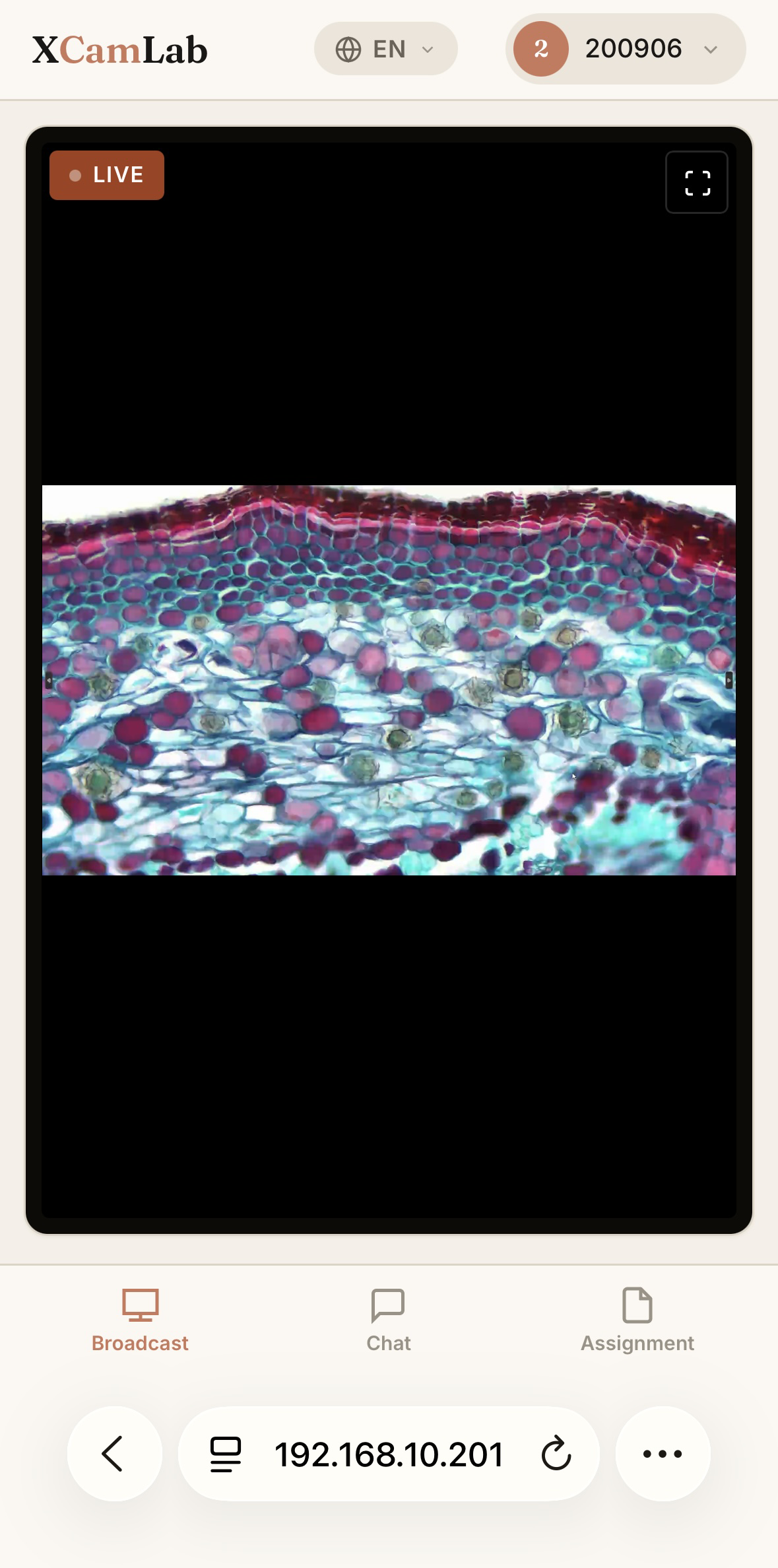
Mobile devices can join the browser classroom for teacher broadcasts, chat and assignment submission. The browser version does not support camera functions.
Hardware Platform
The wireless network uses a Wi-Fi 6 router architecture. A tiered selection approach balances deployment cost and system stability according to the number of connected terminals and concurrent bandwidth requirements, with the following three configurations defined by performance specifications.
Up to 30 terminals
This simple, low-cost setup supports basic microscopic image transmission and interactive teaching for small classes. Limited concurrency may cause bottlenecks with multiple simultaneous high-bitrate streams.
Up to 50 terminals
With stronger concurrent access and data throughput, this setup supports medium to large classrooms and stable transmission of high-quality microscopy images across multiple terminals.
More than 50 terminals or multiple classrooms
Uses an access controller and distributed access points for multi-classroom or high-density wireless deployment.
Software Features
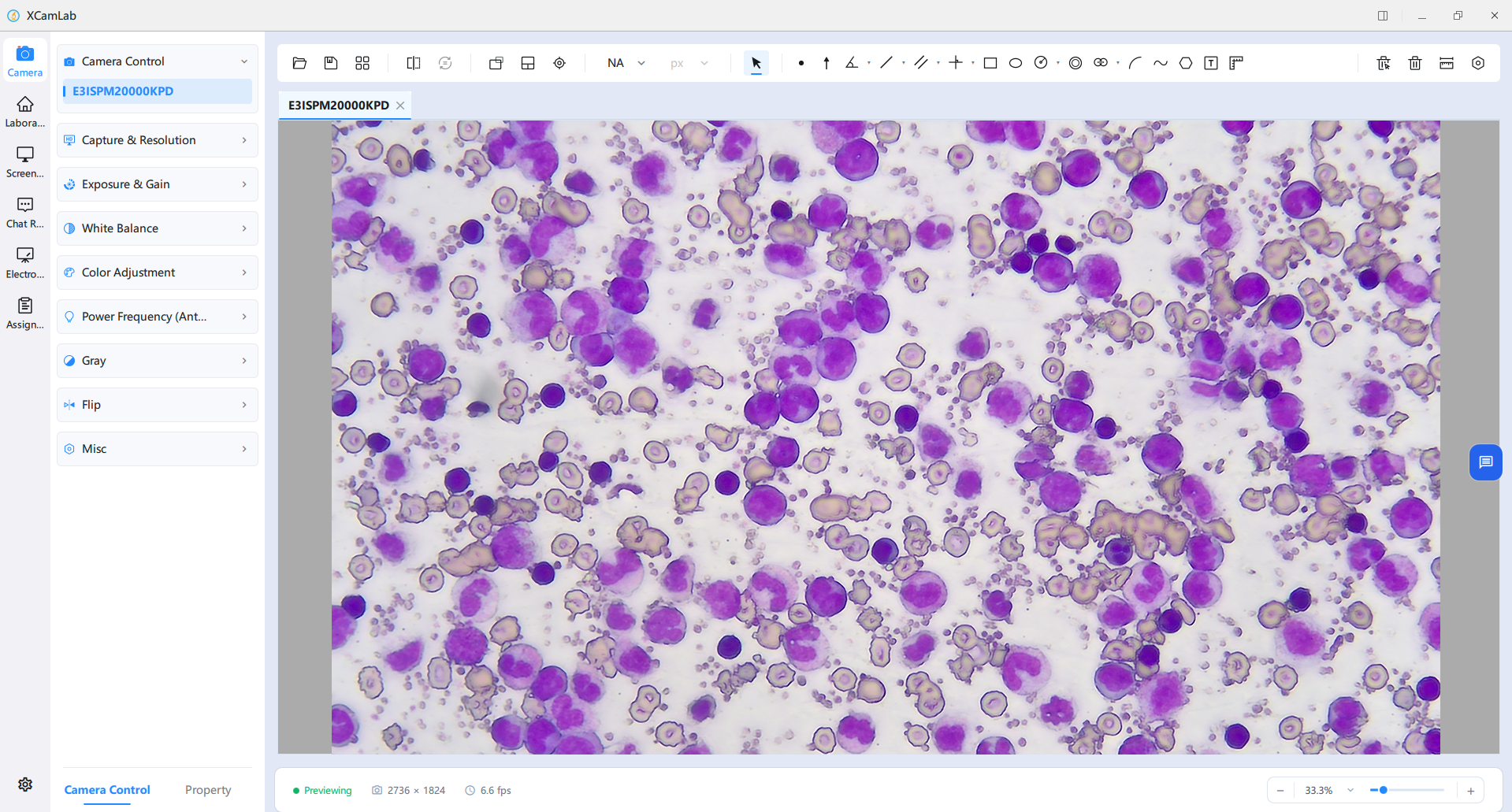
Software Features
Laboratory interface supports laboratories switching and status statistics. Real-time statistics of online and offline devices are displayed to help teachers grasp the status of student terminals quickly.
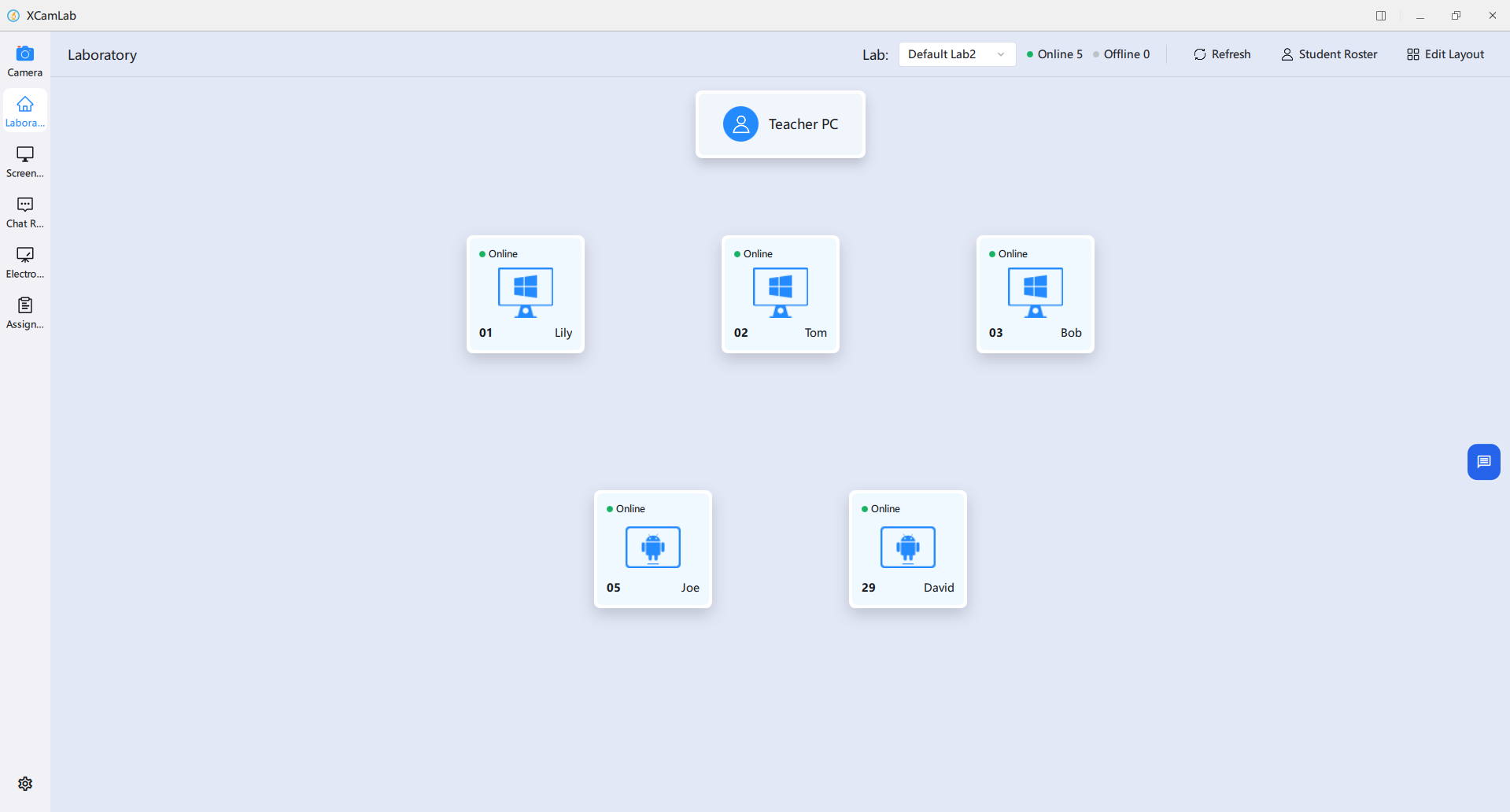
The layout presents seats in a grid. Users can customize the number of rows, columns and total devices, add or remove seats, and adjust layout specifications.
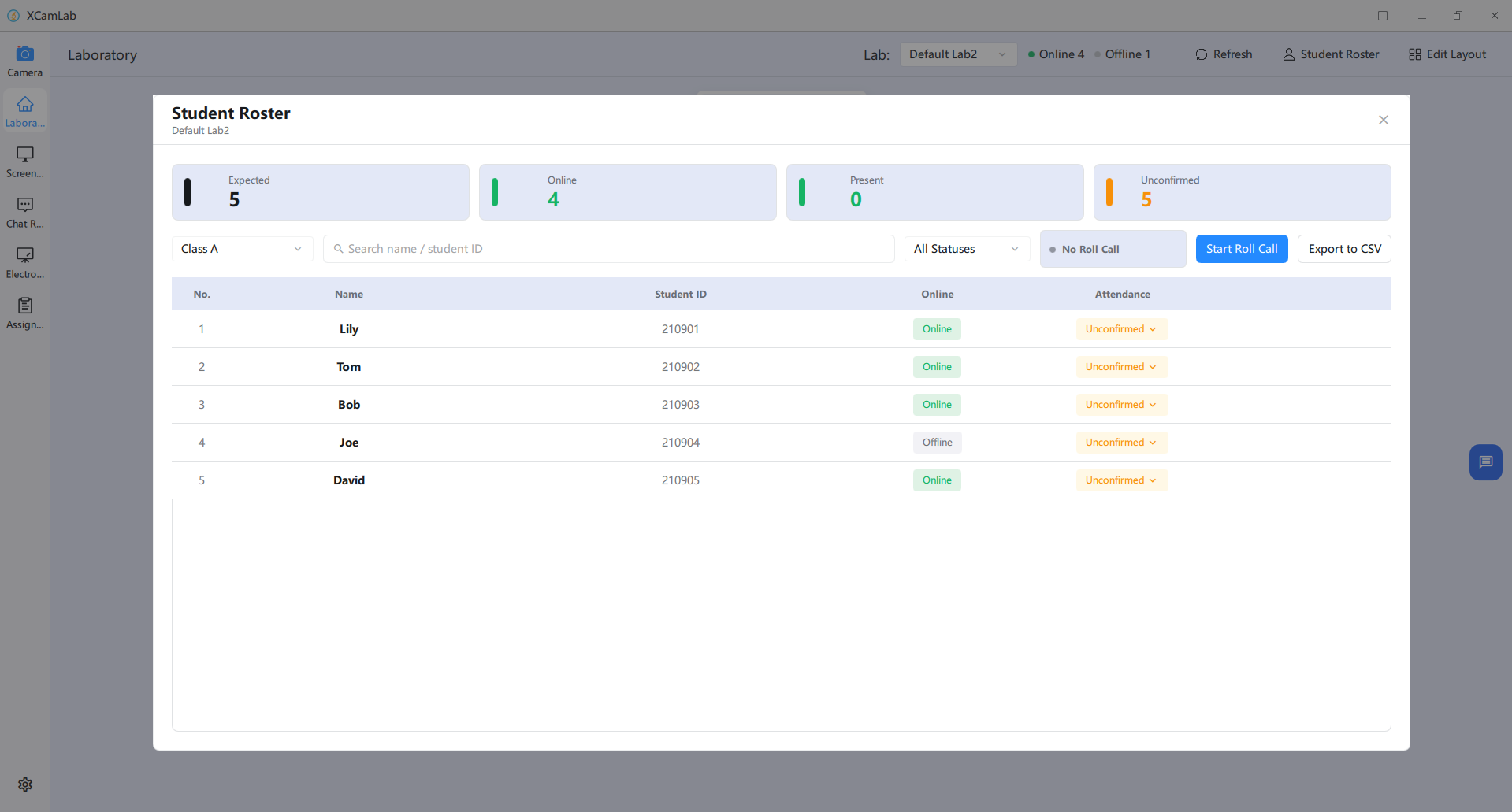
Status cards show the expected student count, online devices, recorded attendance and attendance awaiting confirmation.
Software Features
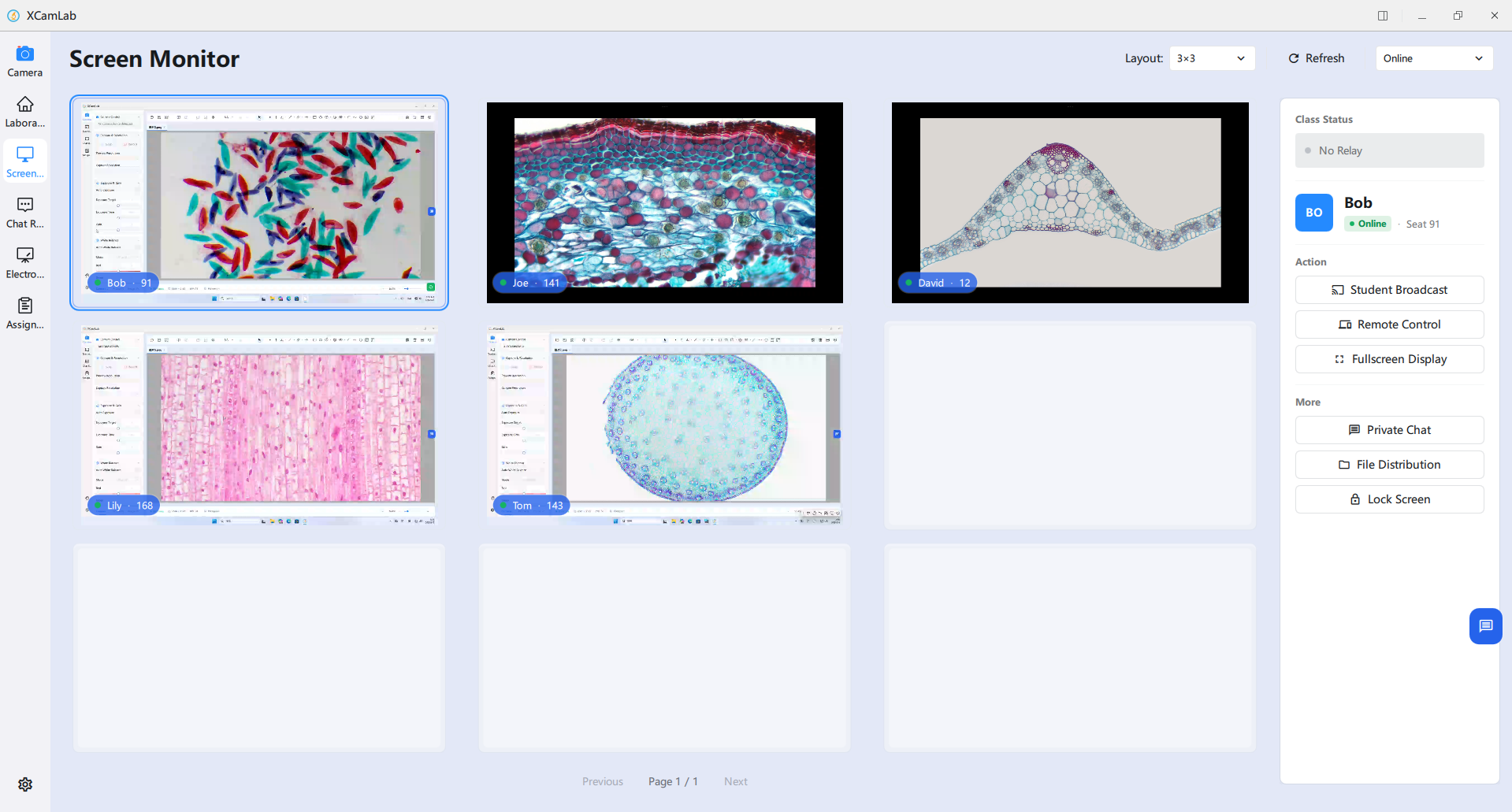
Screen Monitor function allows teachers to view student terminal operations in real time and conduct classroom management. Click any student preview window to open the operation panel on the right.
Software Features
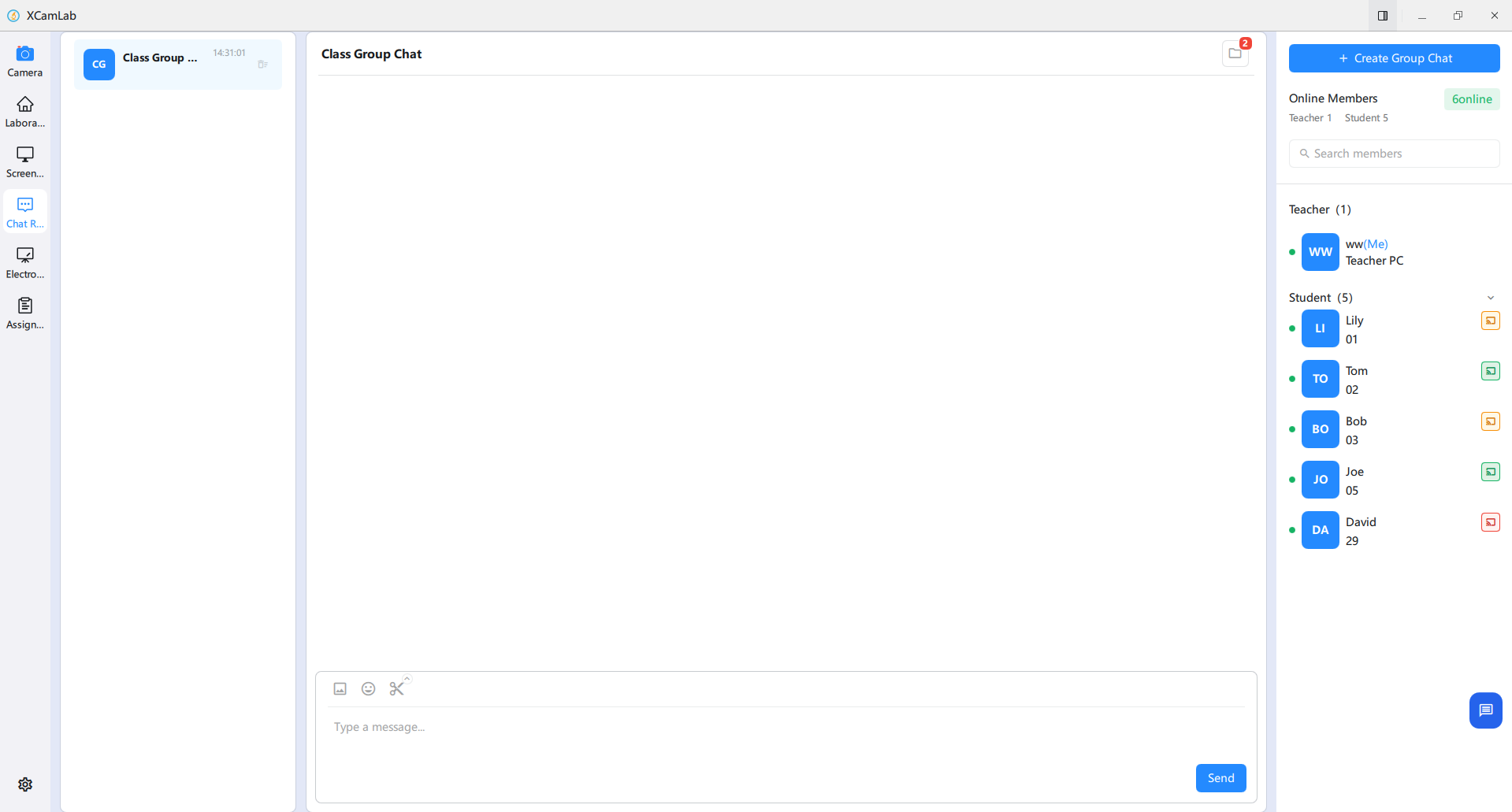
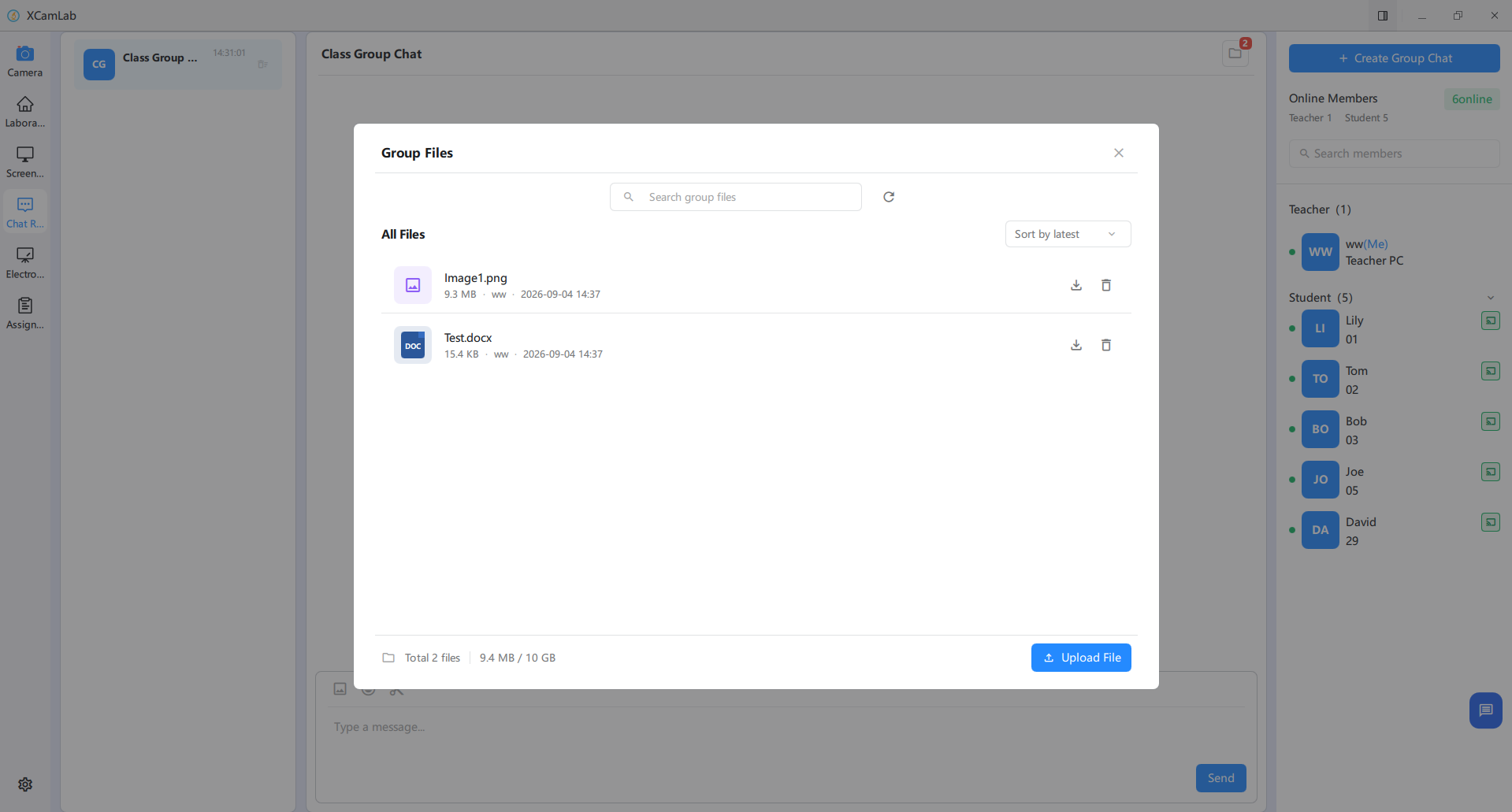
Teachers can switch between group chats and individual conversations. Messages support text, images, emoticons and screenshots. Group files sharing is also supported, all students can download and view uploaded files, making it easy for teachers to distribute experimental learning materials uniformly. The online list shows broadcasting and raised-hand status.
Software Features
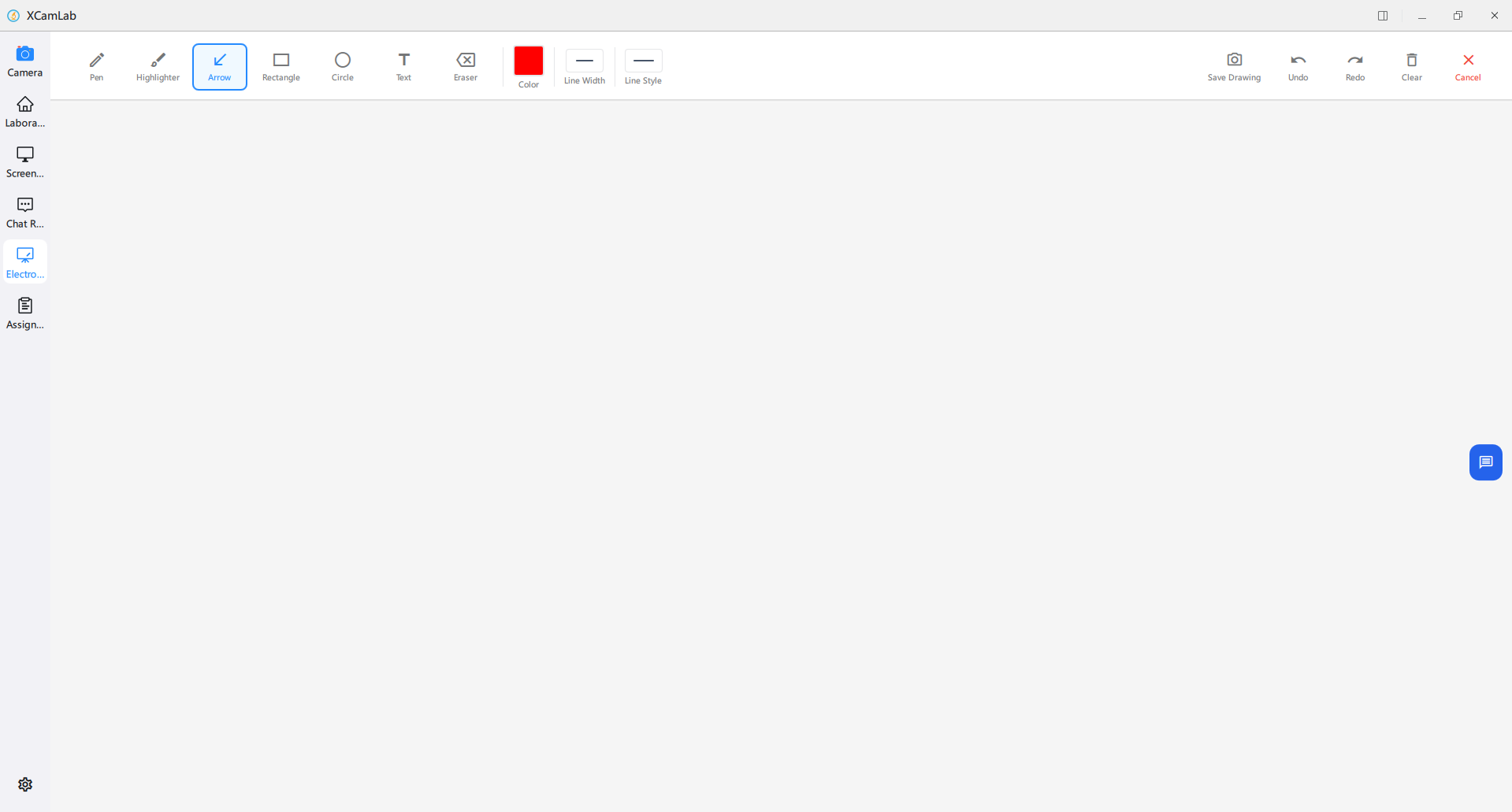
The electronic whiteboard is a real-time annotation tool designed for interactive classroom teaching. It supports multiple forms of annotation and works with screen broadcasting to improve the efficiency of classroom instruction.
Software Features
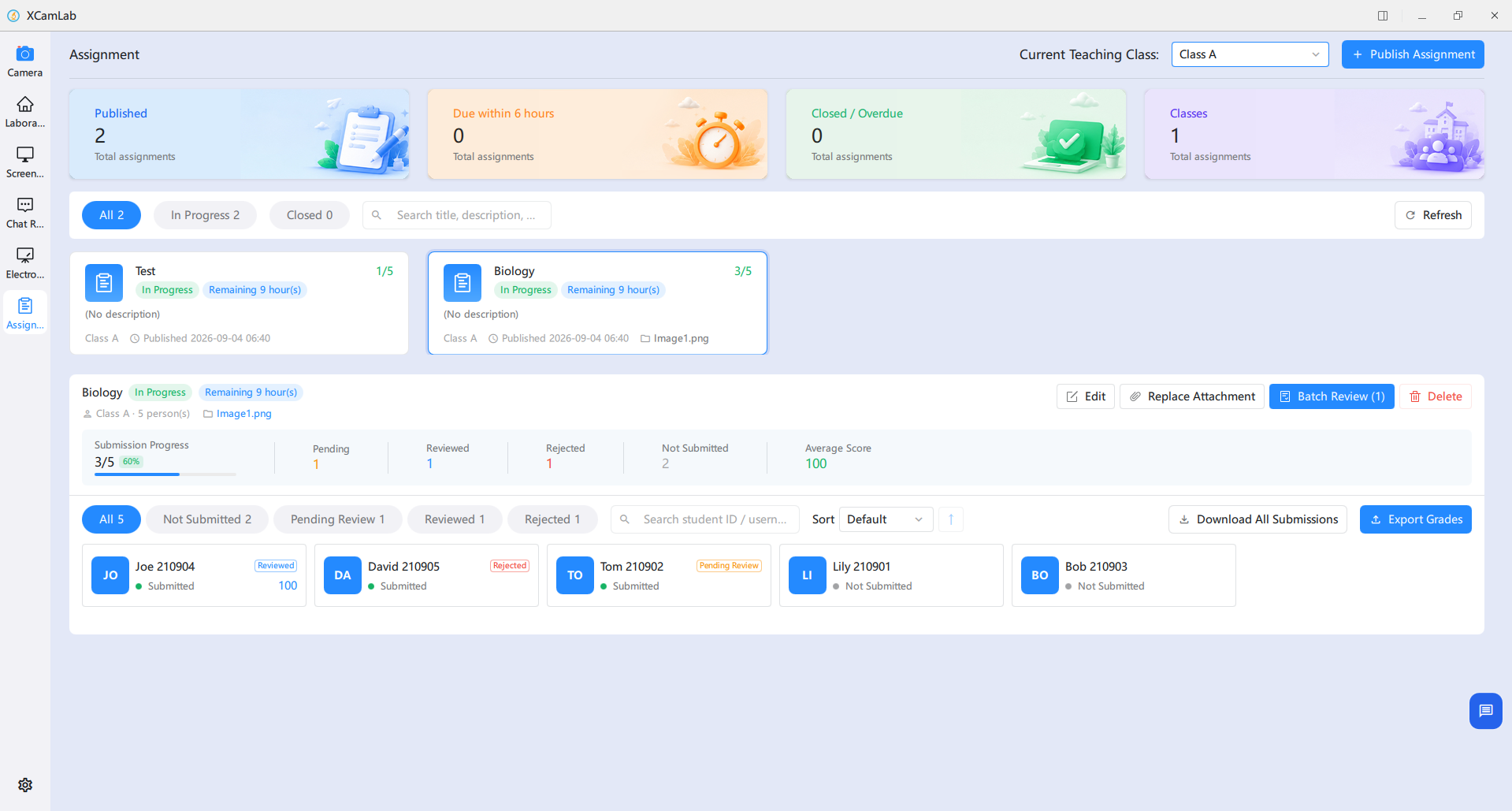
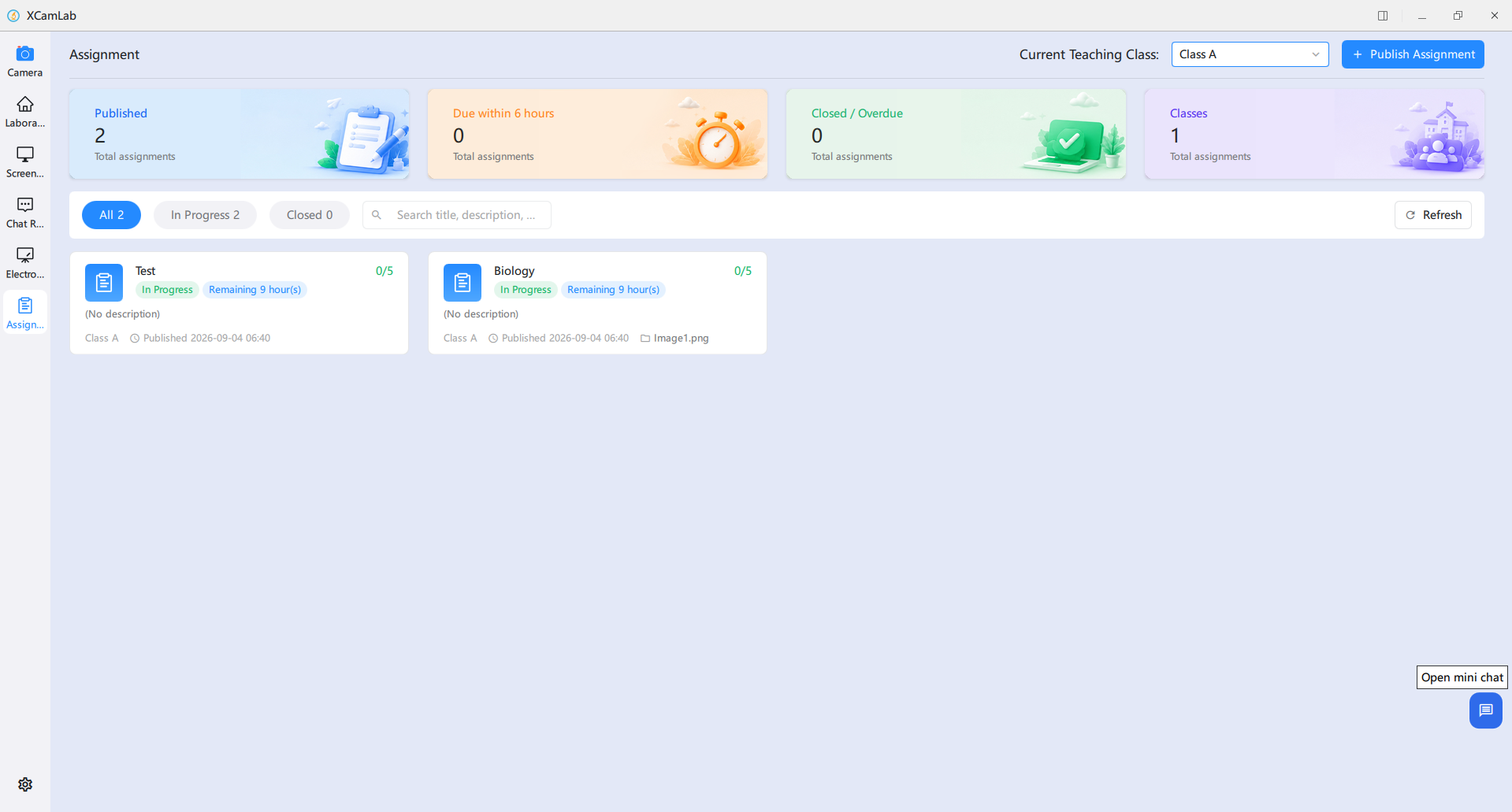
Assignment management supports creation and distribution, progress tracking, viewing student submissions and batch review.
Teachers can create and publish a new assignment and complete its core settings in one interface.
Open an assignment card to review its full details and the submission status of each student.
Software Features
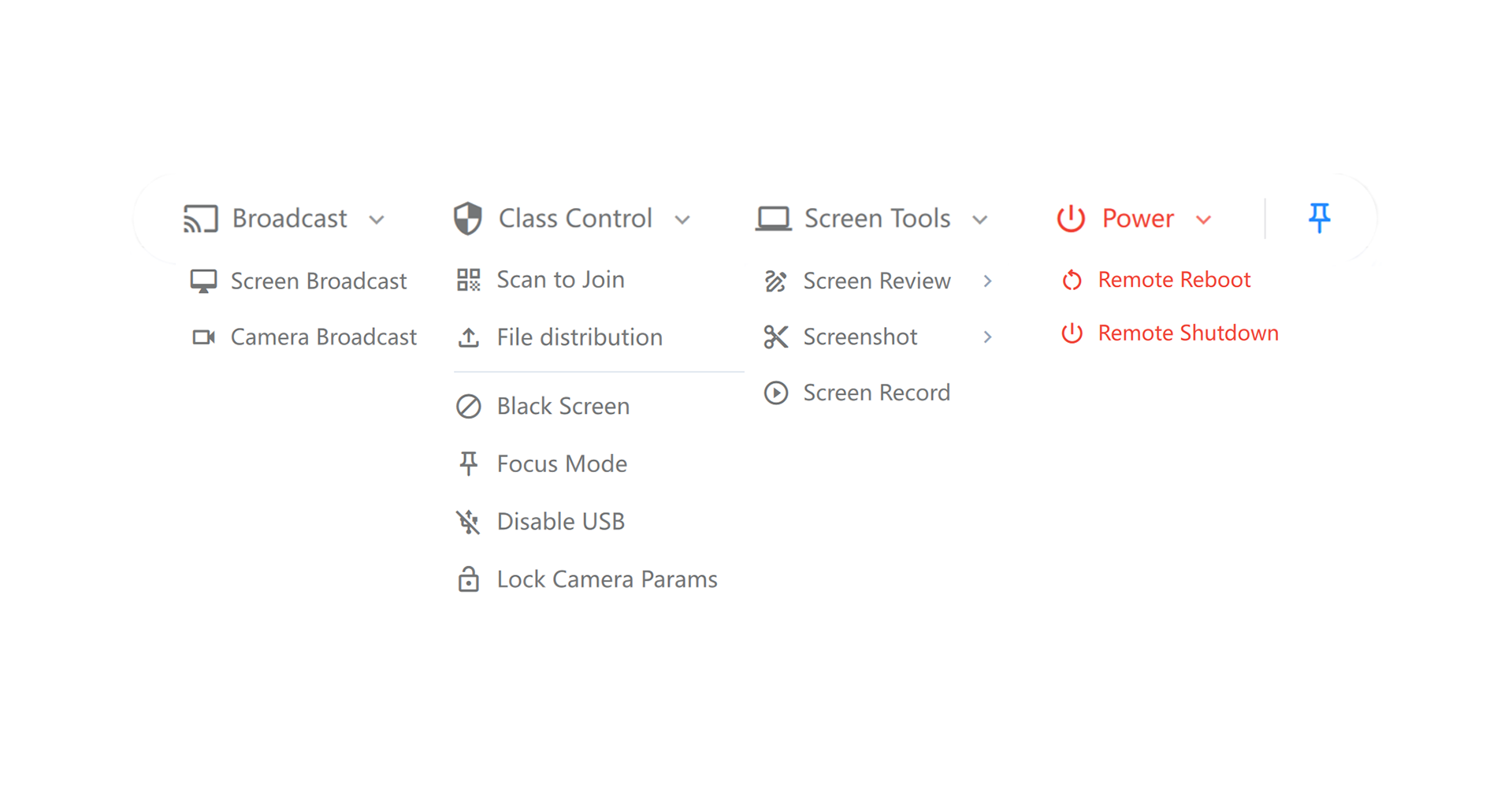
The quick toolbar integrates frequently used classroom control and interaction tools, giving teachers one-click access to core teaching operations without switching screens and improving classroom management efficiency.
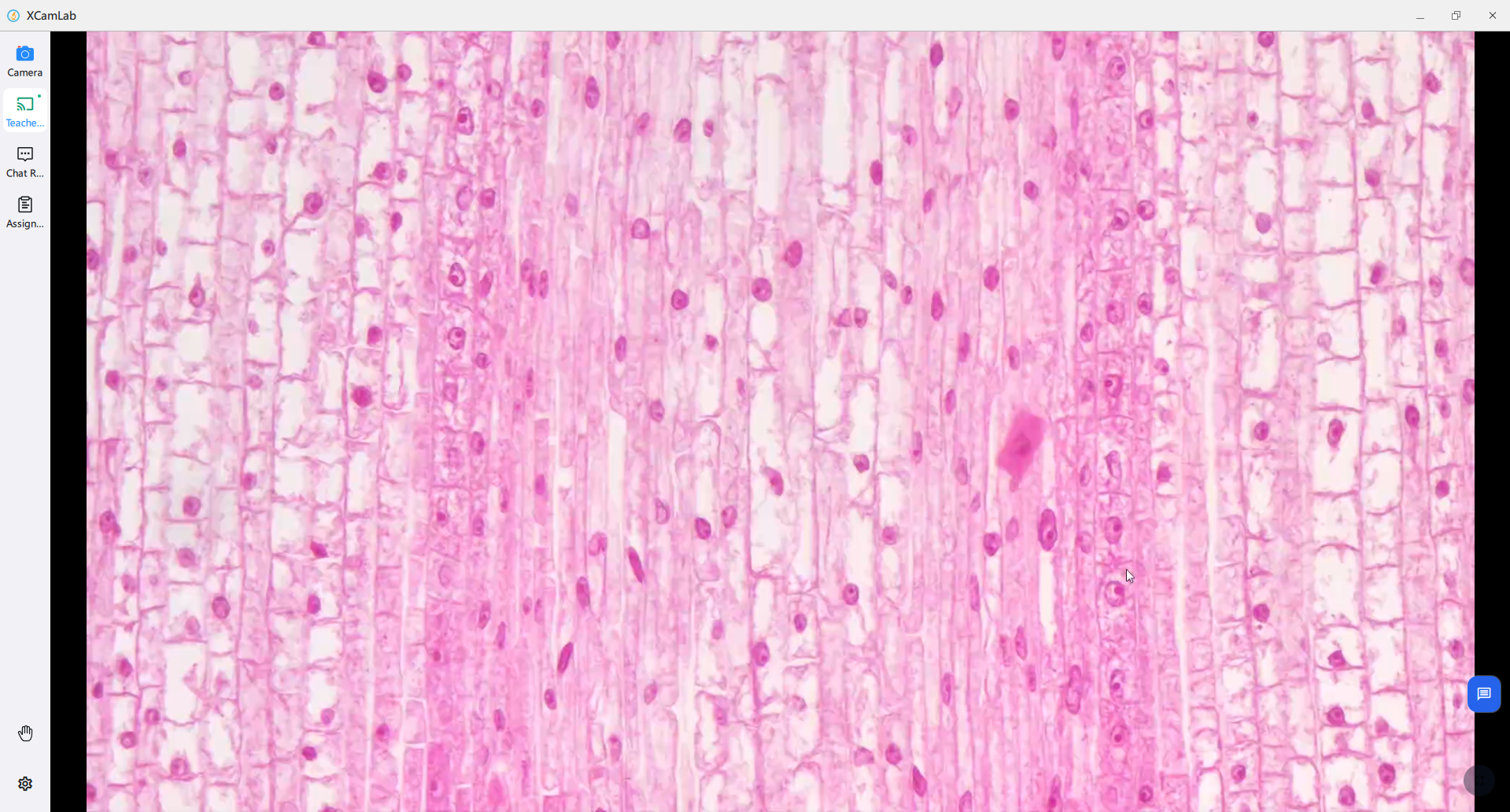
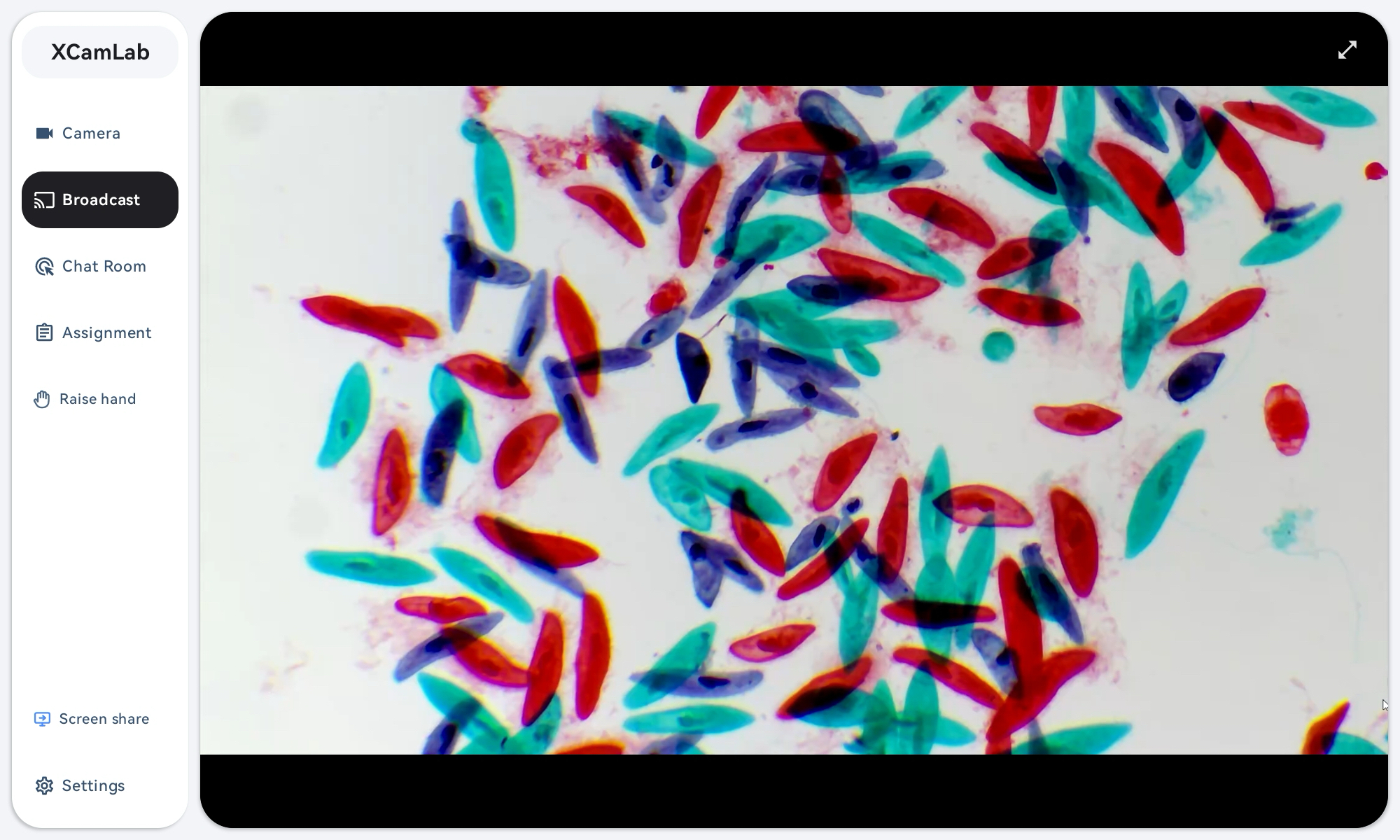
Broadcast the teacher’s screen or live microscopy-camera image to student terminals in real time.
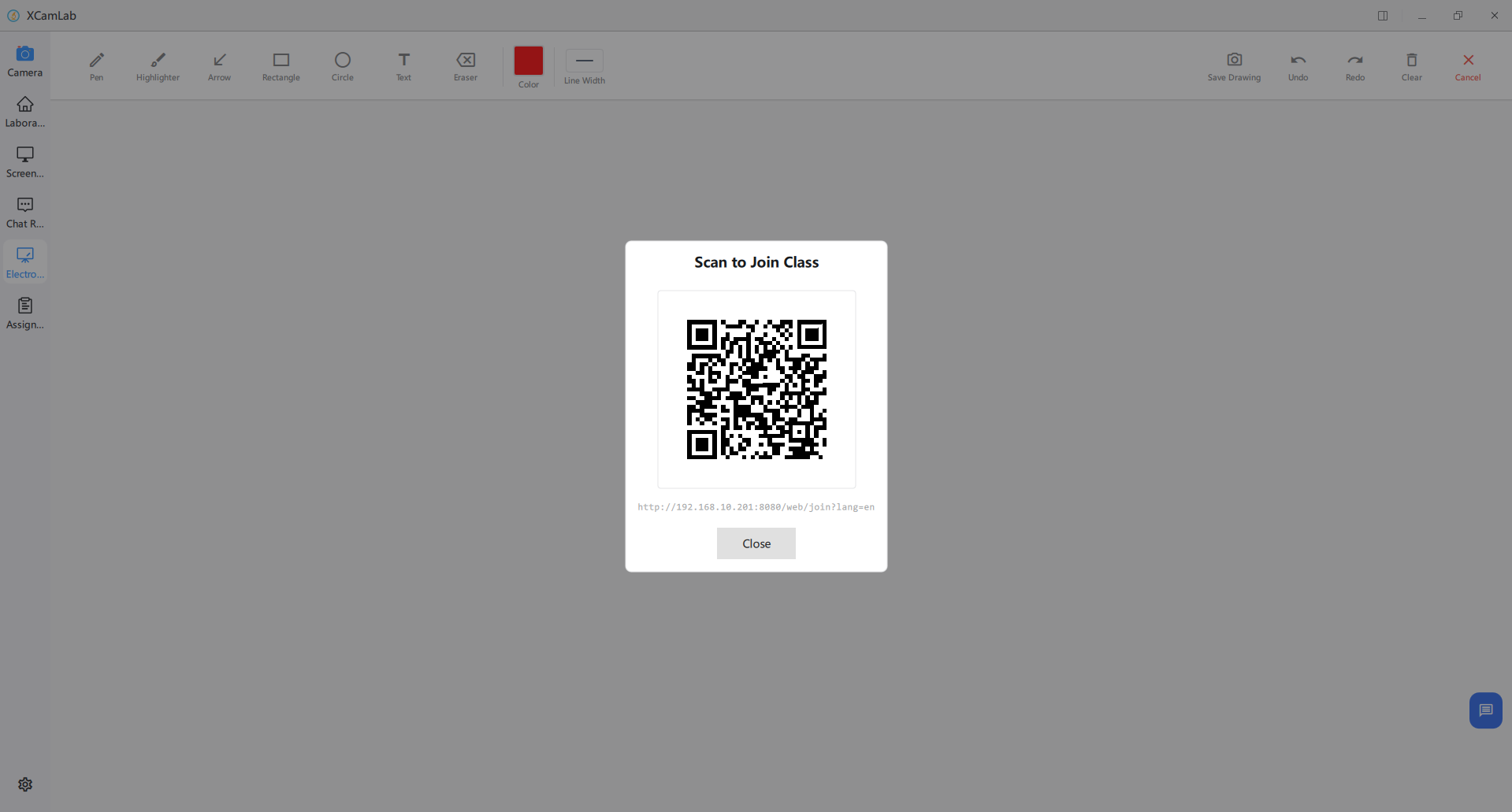
Teachers can generate a classroom-specific QR code with one click. After joining the classroom LAN, students scan it on a tablet or phone to open the browser classroom and sign in with their student number and password.
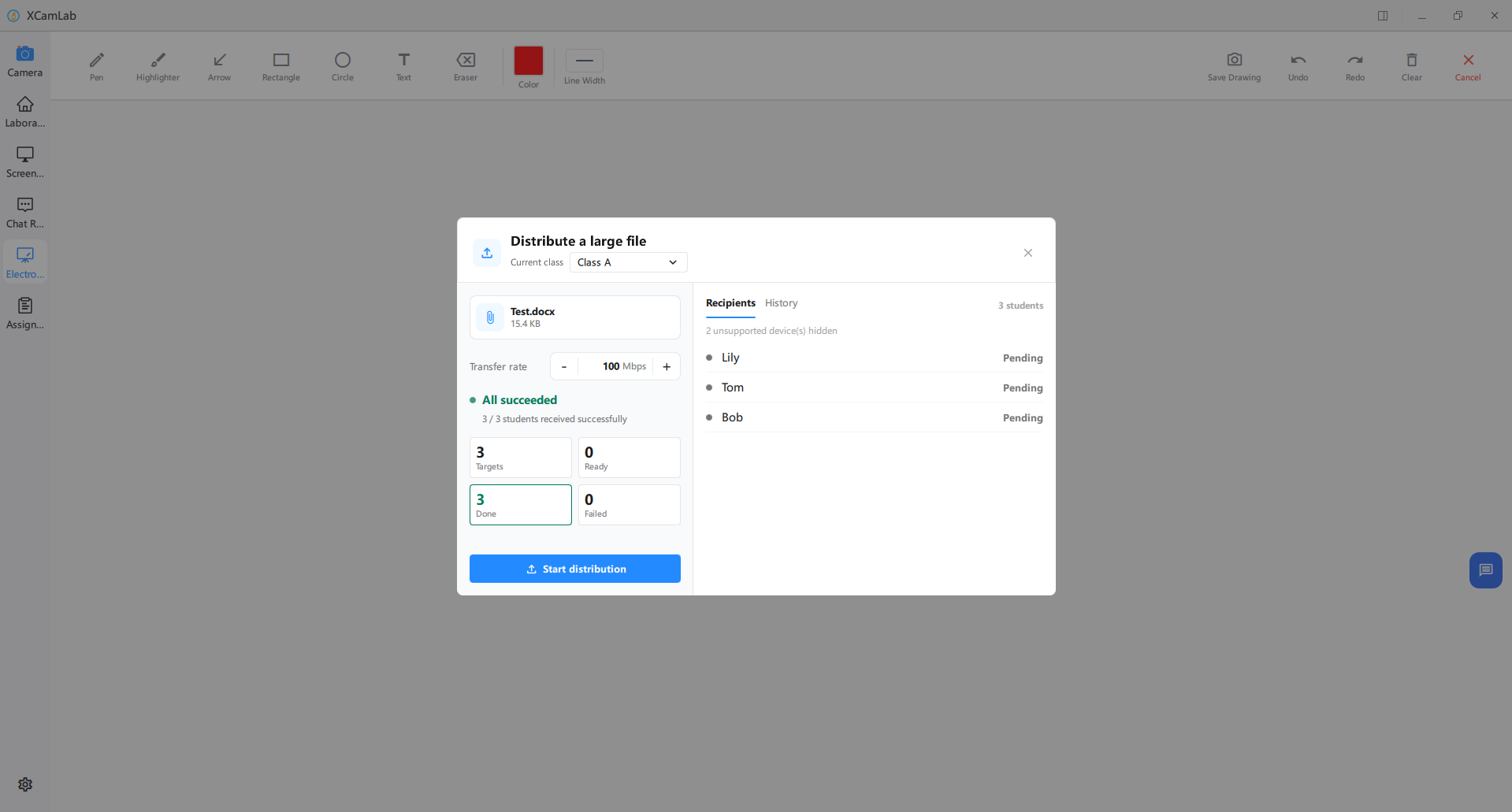
Teachers can select a target class and distribute courseware, experiment guides and specimen files to all its student terminals in one batch. Students receive and save the files directly. This function is available only for Windows all-in-one student terminals.
Download Support
Download the XCamLab software manual and hardware configuration manual.